I like a desk that makes the next task obvious. A row of drives can look organised while hiding a queue: several devices waiting to use the same route back to the computer. Before I add another enclosure, I want to know which jobs need that route together. That question is more useful than counting the empty sockets on a dock.
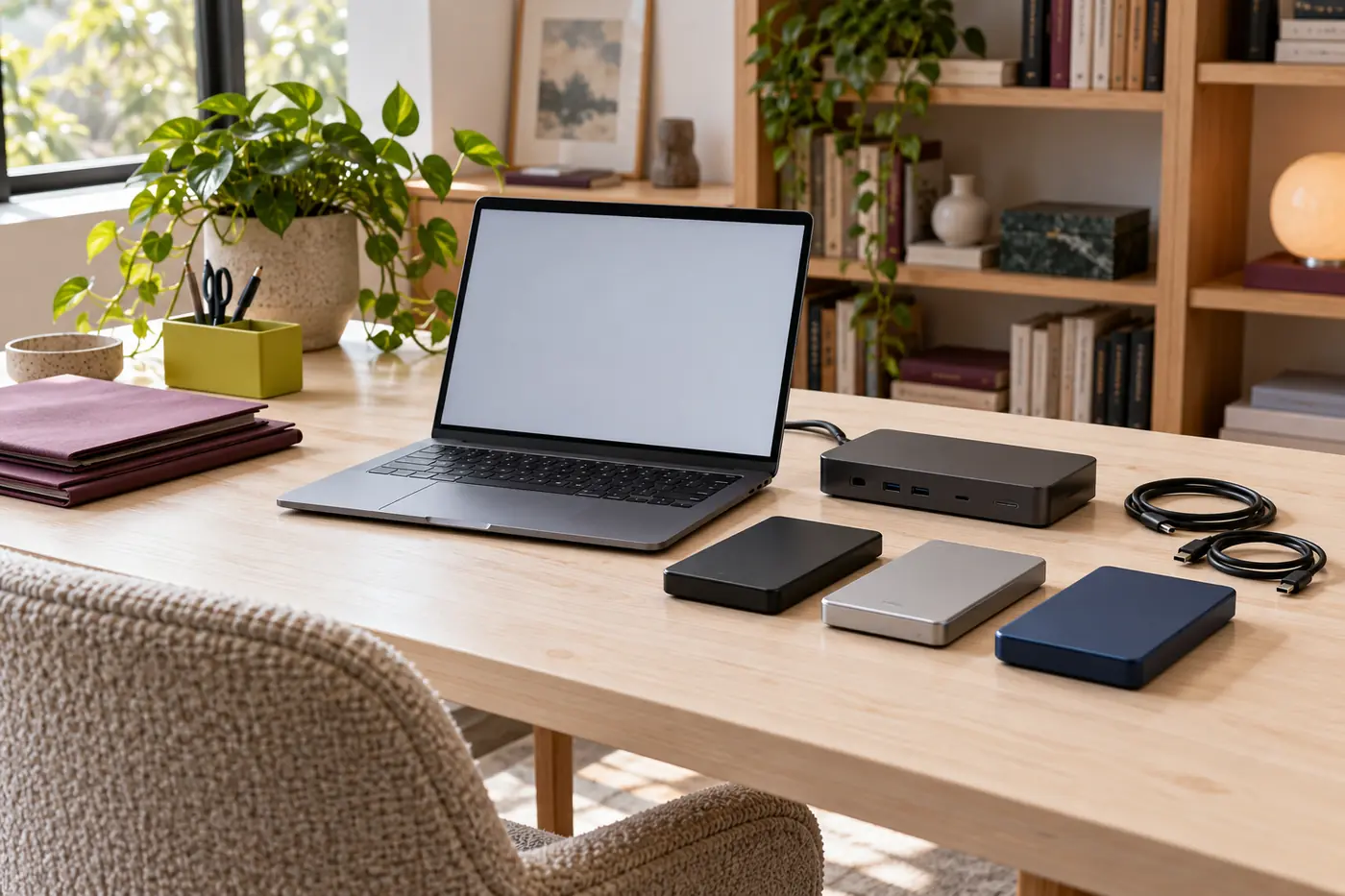
I write here as Tessa Ward, an entirely fictional editor. This is an editorial planning method, not a report of hardware I have tested. The photographs are AI-generated generic props. They cannot establish a product identity, a connection standard or a transfer result. My aim is to help you describe your desk well enough to ask better questions of its real documentation and support team.
Start with the job, not the row of sockets
A dock can make a crowded creative desk easier to connect, but convenience and capacity are different decisions. I first write down what must happen without interruption: editing a current project, ingesting a camera card, checking a delivery, or moving completed work. If those jobs overlap, I mark the overlap rather than assuming the dock will make each one independent. A quiet-looking drive may still be serving media to an application.
A product roundup such as this guide to Thunderbolt docks for creative professionals with multiple drives can help create a shortlist. I would use it after describing the required workflow, not as proof that every listed socket can sustain its advertised ceiling at once. The exact computer, dock revision, cables, displays and operating-system support still need checking against current documentation.
My first note has three headings: connected, active, and urgent. Connected means a device is present. Active means a job is using it now. Urgent means a delay would interrupt someone else or threaten a deadline. Those headings keep a permanently connected delivery drive from receiving the same priority as the media volume feeding a live review session.
Draw the route your files actually take
I sketch the computer at one end and the dock at the other, with the upstream cable between them. Below the dock I place each storage device, display and reader. If a drive connects through another device, I draw that extra step rather than flattening everything into one row. A neat drawing is less important than showing which paths join before reaching the host.
The host connection is a useful starting point, not a complete diagnosis. Internal controllers, protocol support and the dock's own architecture can introduce other limits. A second cable plugged into the computer may provide a different route, but two host sockets do not automatically mean independent controllers. I label that question as unknown until the host documentation or a qualified support response resolves it.
The upstream mapping guide explains how I make this sketch without opening hardware or disturbing a working project. I keep the drawing alongside a short equipment list. A laptop model alone may not identify its supported display modes, and a dock's family name may cover revisions with different behaviour. The exact identifiers belong in private planning notes, not in a public screenshot of client work.
Turn the map into an overlap table
My table describes decisions, not measured speeds. It does not allocate a promised fraction of a link to each drive. Real work includes bursts, waiting, small files, application caches and destination limits. The value of the table is that it reveals which combination deserves attention before a busy day begins.
| Desk moment | Devices that may be active | Question to resolve | Low-disruption planning choice |
|---|---|---|---|
| Camera ingest during an edit | Reader, destination drive, project drive, display | Do these paths join upstream, and is the edit time-sensitive? | Reserve an ingest window or review a documented alternate connection. |
| Client review | Project media, application cache, display and audio | Which background jobs can wait without breaching policy? | Keep discretionary file moves outside the review slot. |
| Delivery preparation | Source volume and approved delivery destination | Is the destination suitable and is verification time allowed? | Leave time for the approved checking procedure before handoff. |
| End-of-day protection task | Devices selected by the real backup policy | Who owns completion, retention and recovery checks? | Follow that policy separately from dock shopping. |
I start with one normal day and one unusually busy day. If a plan only works when every task runs alone, that may still be acceptable for a solo studio with flexible hours. It is less convincing when an assistant must ingest new material during a scheduled remote review. The important comparison is between the plan and the real schedule, not between the desk and an ideal benchmark.
Give each connection claim a label
I use three labels in my notes: stated capability, marketing maximum, and observed evidence. A stated capability might identify a supported protocol or display arrangement under documented conditions. A marketing maximum is a ceiling with qualifications, not a promise about my collection of devices. Observed evidence would need a dated, relevant account of an actual configuration and workload. This article supplies no such measurements.
A connector shape does not settle any of these questions. Nor does a logo answer every host, cable and operating-system condition. Thunderbolt and USB4 names refer to technical families with particular requirements; they are not permission to assume that any combination supports every feature. I want the precise host and dock support statement before treating a mode as available.
The ports and bandwidth guide helps translate a specification sheet into a capability note. I find this especially useful when a product page mixes downstream port labels with the upstream connection's headline figure. Adding those labels together would create an attractive but unsupported total. I leave a blank where the architecture is undocumented rather than inventing the missing capacity.
Allocate attention before allocating equipment
The easiest improvement may be a calendar change. I can reserve a quiet period for non-urgent media moves, prepare delivery folders earlier, or agree on an ingest window with a colleague. These are workflow options, not instructions to disable required protection or stop a policy-managed service. Anything owned by IT or a production supervisor stays under that person's control.
I describe the symptom I want to avoid in ordinary language. “Keep playback responsive during the review” is clearer than “make everything fast.” “Finish the approved handoff before the courier collection” gives a deadline and a responsible person. Neither sentence supplies a rate, but both help decide which tasks should not compete if the equipment cannot comfortably serve them together.
For a more detailed schedule, I use the multiple-drive workload guide. It separates a task's source, destination and human consequence. This matters because moving files between two attached drives can involve both of them and the route that joins them. Two device icons are not evidence of an isolated drive-to-drive shortcut.
Leave room for the rest of the desk
A storage-only drawing misses the monitor that must stay at a supported mode, the card reader arriving after a shoot and the audio device needed for review. I add these before deciding that a free port is spare capacity. The interactions depend on the hardware and transport design; I do not subtract an invented display allowance from a headline data figure.
I also ask how the desk changes away from home. A travelling editor may connect a different monitor, power supply or reader. A reliable plan names the approved combination rather than assuming that a familiar-looking borrowed cable preserves every feature. The display and reader guide builds these changes into the schedule and distinguishes connection presence from active work.
Power deserves its own note. A computer charging successfully does not prove that every attached peripheral has suitable power in every state. A drive disconnecting is not automatically a bandwidth problem. The power, cable and enclosure guide offers a safe evidence checklist, with no opening of enclosures, destructive testing or improvised electrical fixes.
Make the purchase question small enough to answer
Once the map and schedule are clear, I write a short requirement: support this host, these documented display modes, these storage connections and this pattern of overlapping work. I include any unresolved questions. A seller or manufacturer can answer that more usefully than a request for the fastest dock. If the answer remains vague, the requirement has exposed a purchasing risk before money changes hands.
I keep convenience gains separate from performance claims. A dock may reduce cable swapping, make a desk easier to leave, or put a reader within reach. Those are worthwhile benefits without inventing a speed improvement. Conversely, a second enclosure may provide needed working space without resolving congestion on the same upstream route. Buying more of one component does not automatically solve a different component's constraint.
My decision checklist is deliberately short:
- Name the exact host and intended dock revision.
- Draw every active route, including displays and readers.
- Identify jobs that genuinely overlap and the person affected by delay.
- Separate documented capabilities from unsupported expectations.
- Leave cable, power and enclosure questions visible.
- Keep the real protection policy intact while considering any purchase.

Keep a connected drive out of the role of a promise
An extra drive can be useful without being a complete backup arrangement. It may hold the only current copy, share the same physical risk as the computer, or depend on a process nobody has verified. I do not infer recoverability from a successful mount, a completed file move or a photograph of several enclosures. Protection involves separate decisions about copies, retention, access and an authorised way to check recovery.
The backup and purchase guide explains why I keep those decisions on different pages of the same notebook. If a studio already has a policy, the policy owner decides what changes are allowed. If it has none, a dock article is not a substitute for suitable professional advice about valuable work.
Leave the next person a legible desk
My final deliverable is a small set of notes: the connection map, the overlap table, the supported configuration and the unanswered questions. I do not need a dramatic hardware verdict to make those notes useful. They can explain why an ingest waits until after review, why a particular port is reserved, or why a proposed purchase needs one more support answer.
I revisit the notes when a major device or workflow changes, rather than pretending a setup remains validated forever. The goal is not to make a busy desk look simple. It is to make its shared routes and responsibilities visible, so the next drive is added for a clear reason instead of becoming another mysterious stop in the same queue.